Restricted means restricted.
ZoneLock watches the areas you designate — chemical stores, plant rooms, live lanes — and raises a ticket when a person is where the rule says no one should be.
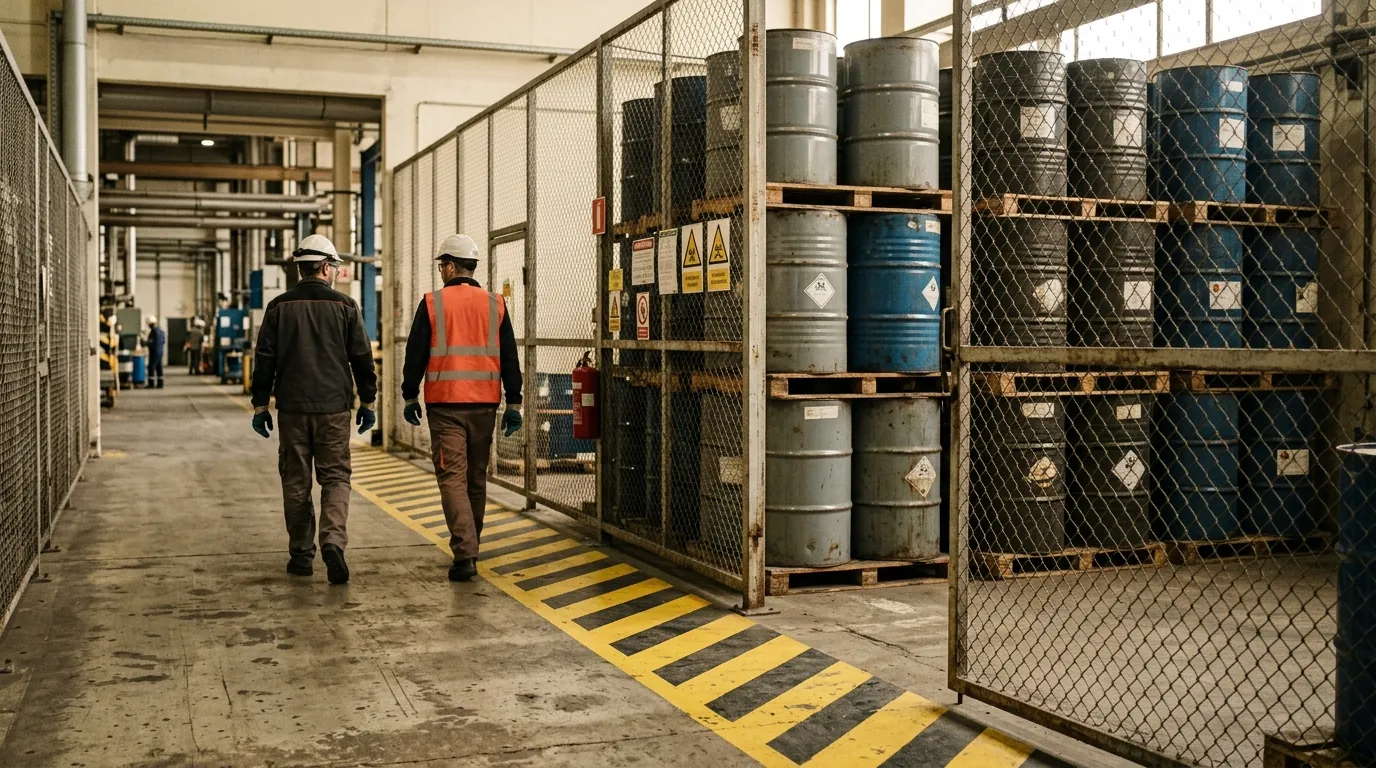
ZoneLock, configured.
- Restricted-zone entry
- Personnel detected inside a configured restricted area.
- Time windows
- Zones can be restricted always, or during the hours you set.
- Pairing with access control
- Under FSRGuard, a ZoneLock ticket can be read against the TAPA FSR access-control clauses.
Used in
Unauthorised personnel detected in restricted chemical storage area.
The boundary
ZoneLock reports presence in a configured area. Whether the person was authorised is a human decision, recorded on the ticket.
What happens next
The ticket is assigned to the supervisor on duty. They review the incident evidence, confirm or close it, and the record keeps the detection, the review and the follow-up together. See AlertFlow and the record.
Start with one site.
A site assessment looks at the cameras you have, the rules that matter on your floor and how the evidence would reach your auditor. Twenty minutes to find out whether it fits.